Find the manual for the XIKAR Puro Temp connected hygrometer.
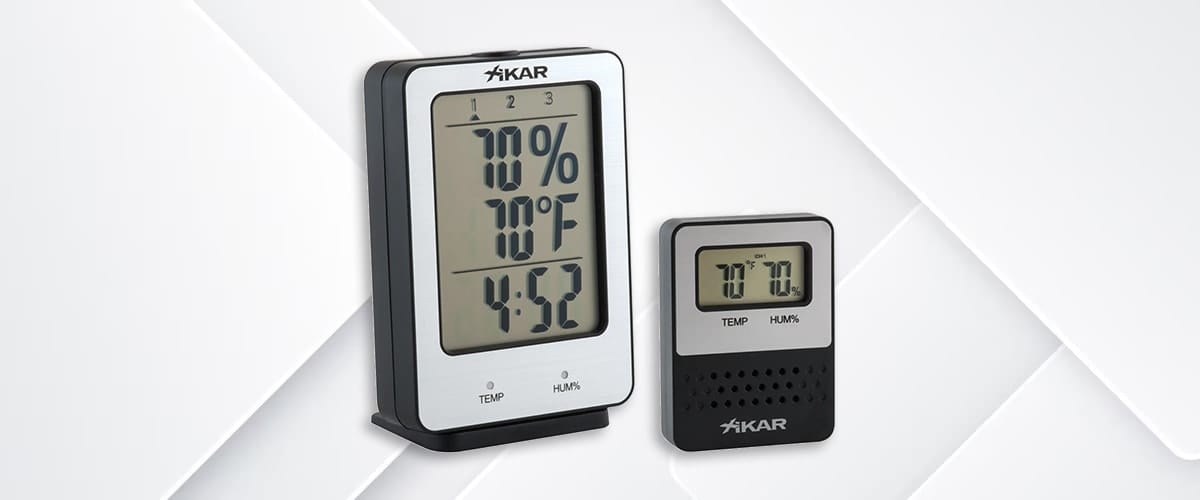
Digital Hygrometer Wireless Remote System 837XI
Features
- Displays temperature and relative humidity level.
- Ability to monitor up to 3 humidifiers within a range of 18m.
- High and low temperature/humidity alert.
- Temperature display in °F or °C.
- Temperature Range: -13 to 140°F or -25 to 60°C.
- Relative Humidity (RH) Range: 20% to 95%.
- Accuracy (RH): +/- 2% (Temp): +/- 0.1°C.
- 4 function keys: CH, select, up, down.
- 12/24h Clock.
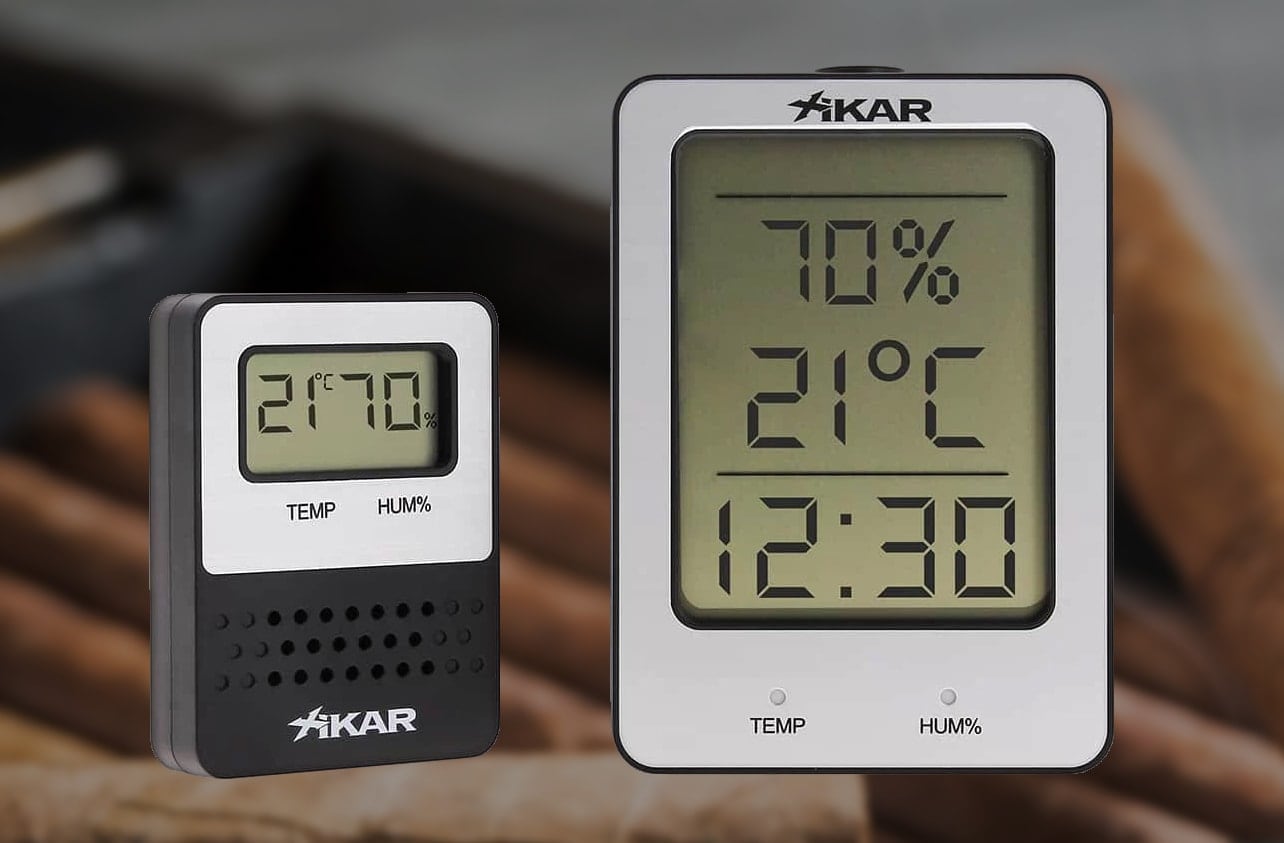
- "CH »": scroll through the display of the 3 different channels.
- SELECT »: browse the options in each setting mode. Hold down to enter time setting mode.
- UP » allows you to toggle temperature and humidity alerts ON/OFF. It also allows you to move from one option to another in each setting mode. Hold down to enter alert limit level setting mode.
- DOWN » allows you to switch between °C and °F in temperature display mode. It also allows you to move from one option to another in each setting mode.
Operating instructions in "Normal" mode
- Press the "CH" button to display one channel at a time. The "CH" button cycles through the channels in this order: 1 -> 2 -> 3 -> 1.
- Press the "DOWN" button to choose between °C and °F.
- Press the "UP" button to enable/disable the temperature/humidity alert.
- Press the "CH" button to mute the temperature/humidity alert sound.
Clock Settings
- From the channel display mode, press and hold "SELECT" for 3 seconds to enter clock setting mode. The clock display starts flashing "12 H" or "24 H". Note: While in clock setting mode, pressing the "SELECT" button will display the screens in the following order: 12/24 Hour Clock Setting -> Hour Setting -> Minute Setting -> Exit Clock Setting Mode.
- Use the "UP" and "DOWN" buttons to scroll through the clock setting functions in 12 H or 24 H. Press the "SELECT" button to choose your option and go to the time selection screen.
- Use the "UP" and "DOWN" buttons to scroll through the hours until the desired hour. Press the "SELECT" button to set the hour and go to the minute selection screen.
- Use the "UP" and "DOWN" buttons to scroll through the minutes to the desired minutes. Press the "SELECT" button to exit the setting mode.
Note: Press the "UP" and "DOWN" buttons to scroll through the hours and minutes one by one. To scroll through the hours and minutes more quickly, press and hold the "UP" or "DOWN" buttons.
Humidity and temperature alerts
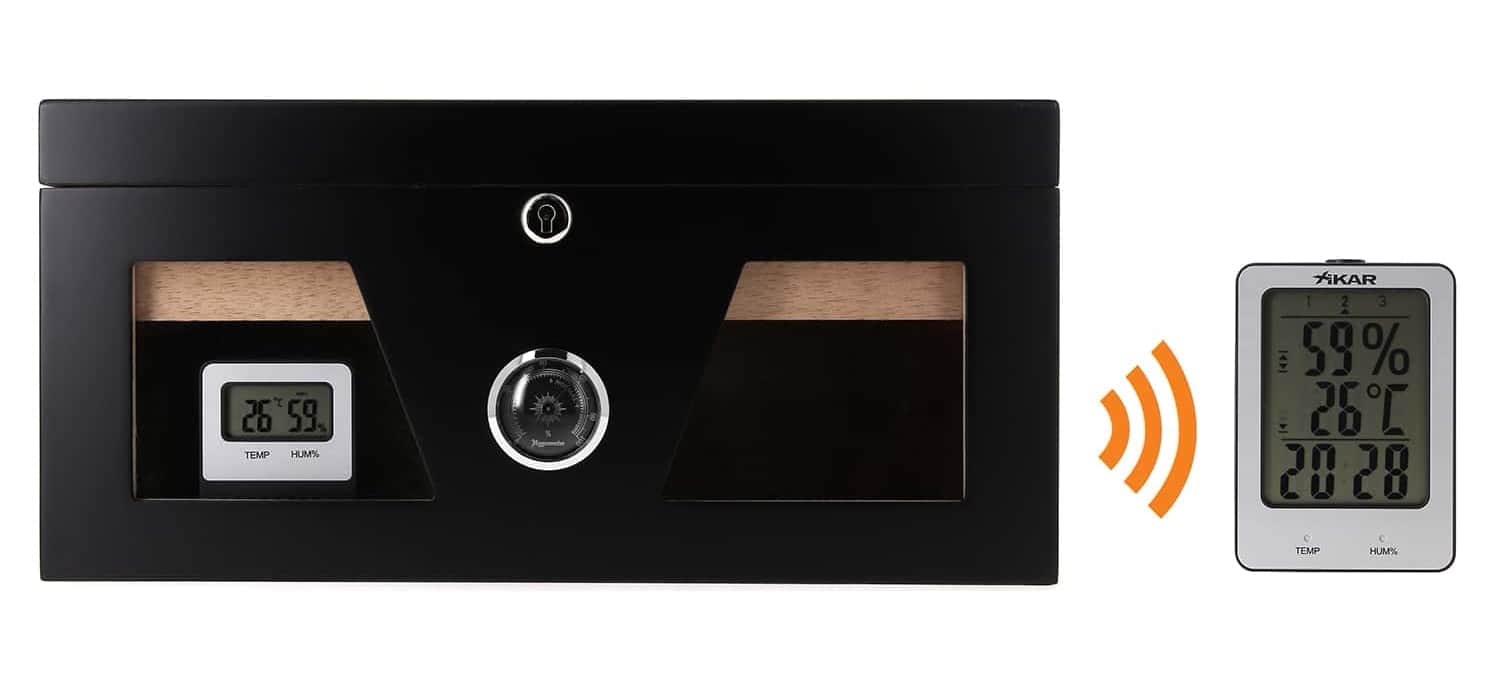
The PuroTemp wireless hygrometer can alert you if your humidifier is outside a certain temperature or humidity range.
The alert temperature is set by default to 65°F (18°C) for the minimum and 75°F (24°C) for the maximum.
The humidity alert is set by default to 55% for the minimum and 80% for the maximum.
To change these default settings, follow the previous steps.Each channel has its own alert settings. Changing the batteries will restore the factory settings.
How to set the alert levels for humidity and temperature
- Press and hold "UP" for 3 seconds to enter the alert level setting mode.
- Press "CH" to scroll through the 3 channels until the desired channel is selected.
- Press "UP" and "DOWN" to select the desired maximum humidity alert setting.
- Press "SELECT" to save. This will also move to the next alert setting.
- Repeat steps 2, 3, 4 to set the minimum humidity, maximum temperature, and minimum temperature alerts. Note: The sequence in the alert level settings follows this pattern: Maximum humidity limit -> Minimum humidity limit -> Maximum temperature limit -> Minimum temperature limit -> Exit and save
- To adjust the humidity and temperature alert levels on another channel, press the "CH" button to select a different channel and follow the instructions above. If no action is taken for 20 seconds while adjusting alert levels, the data will be saved and the adjustment mode will close automatically. Note: If the alarm sounds while the levels are being adjusted, press the "CH" buttonto make the alarm silent.
How to connect remote units to different channels
The PuroTemp Wireless Digital Hygrometer works with a maximum of 3 remote units to allow the reading of temperature and humidity on 3 separate humidifiers. All remote units need to be connected to different channels so that they do not interfere with each other.
- Open the battery compartment on the back of the remote unit.
- Move the cursor located inside the battery compartment to channel 1, 2, or 3.
- The number to which the remote unit is assigned will communicate with the corresponding channel on the base.
Wireless Communication Notes
- After installing the batteries, the base will automatically search for the signal from the remote unit for 3 minutes. During this period, the pictogram
 indicating the current channel number will flash.Once the initial communication is established, this icon will stop flashing.
- After establishing communication between the base and each remote unit, they will automatically refresh every 60 seconds.
- If, for any reason, the remote units need to be resynchronized, press the "CH" button for 3 seconds so that the system restarts the synchronization process.

 Français
 Italiano
 Deutsch
 Español
 Português